Overview
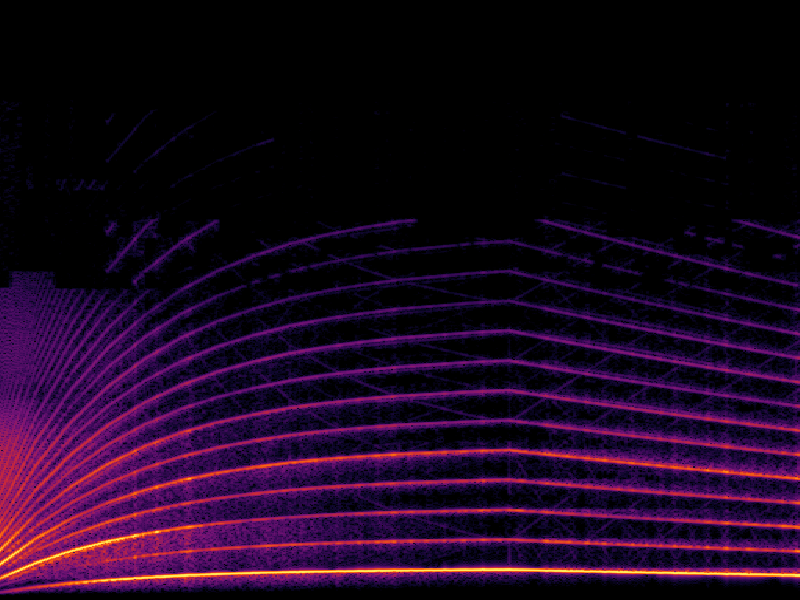
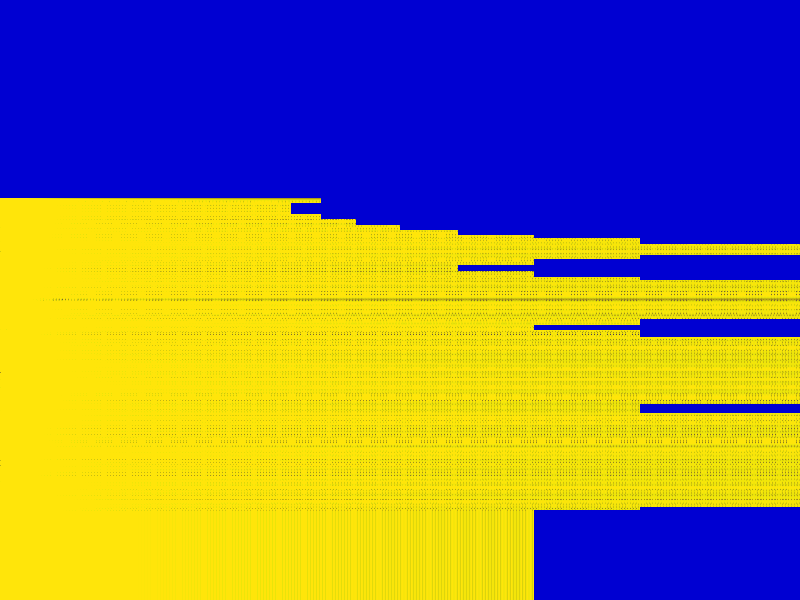
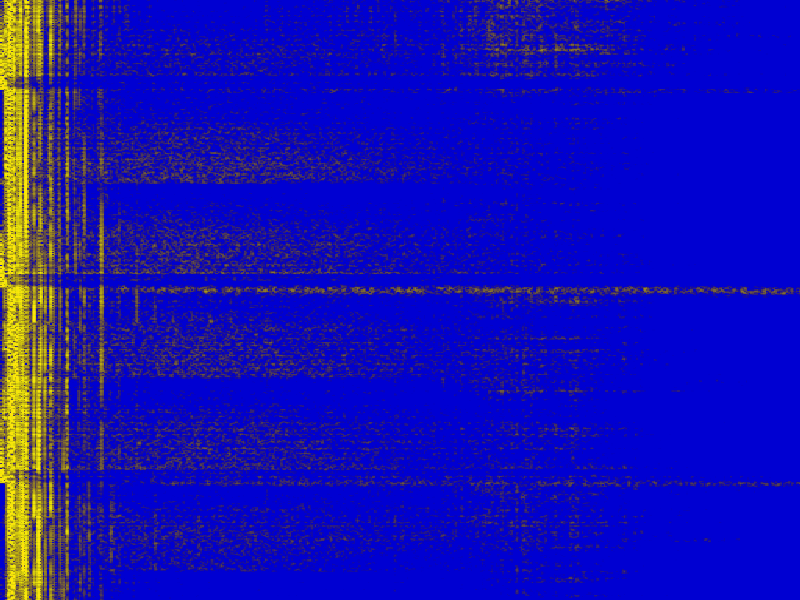
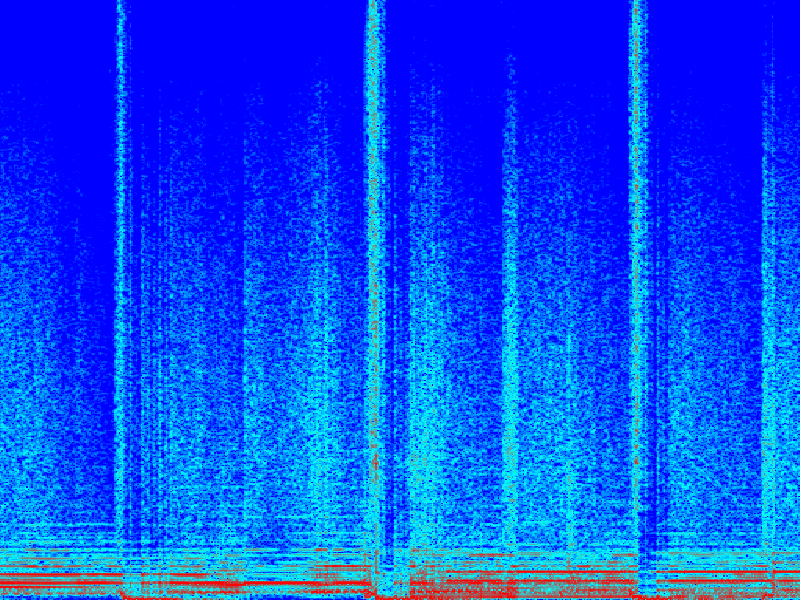
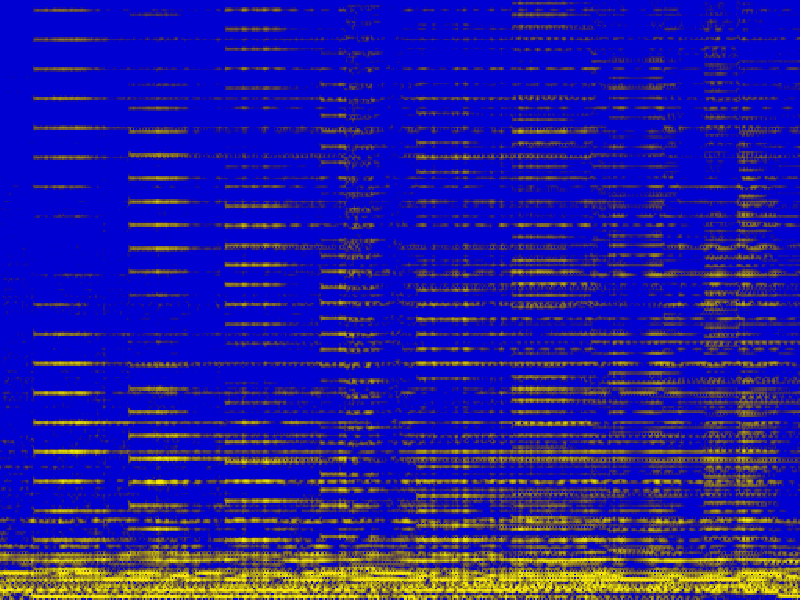
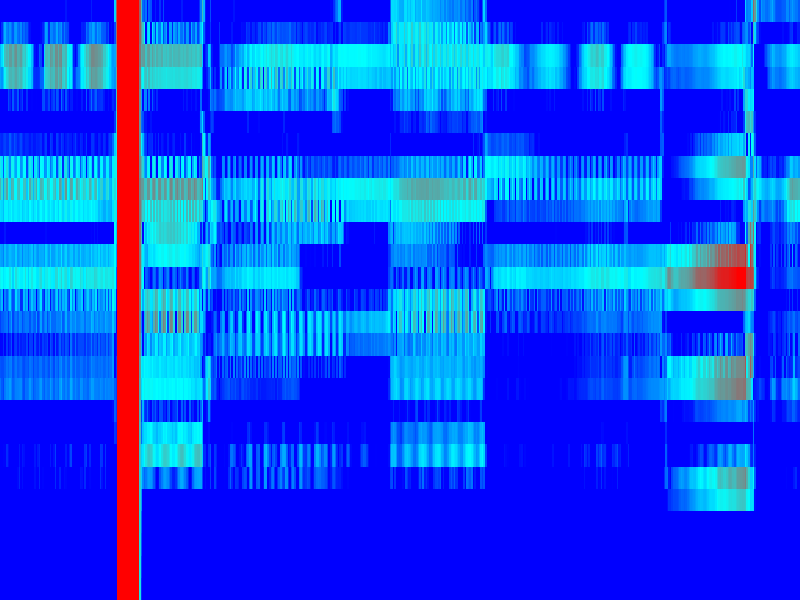
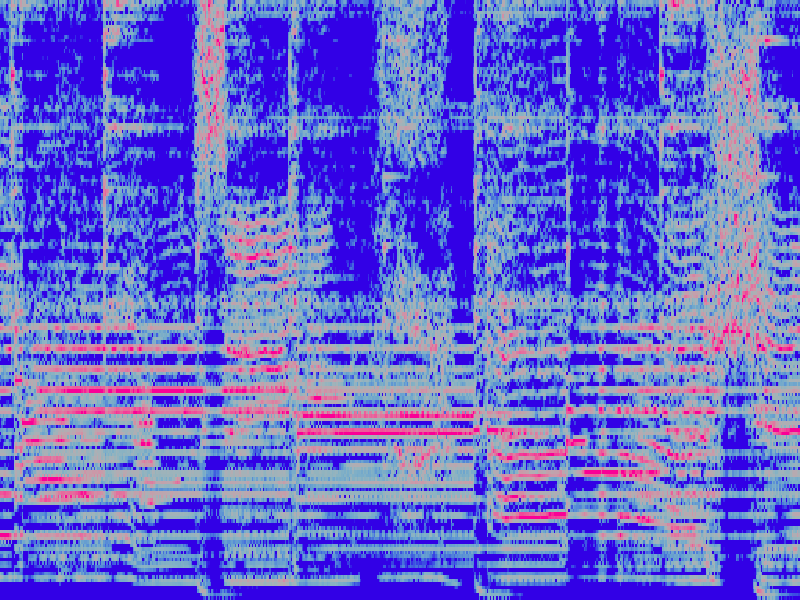
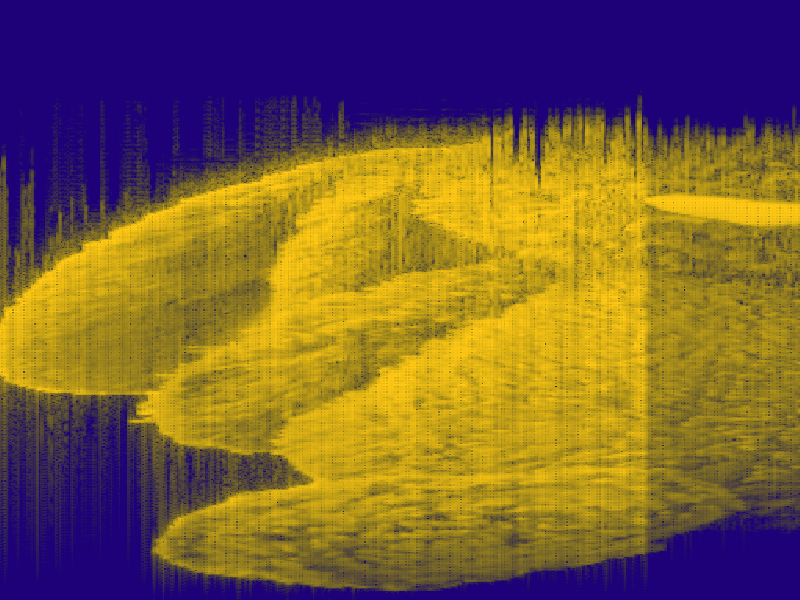
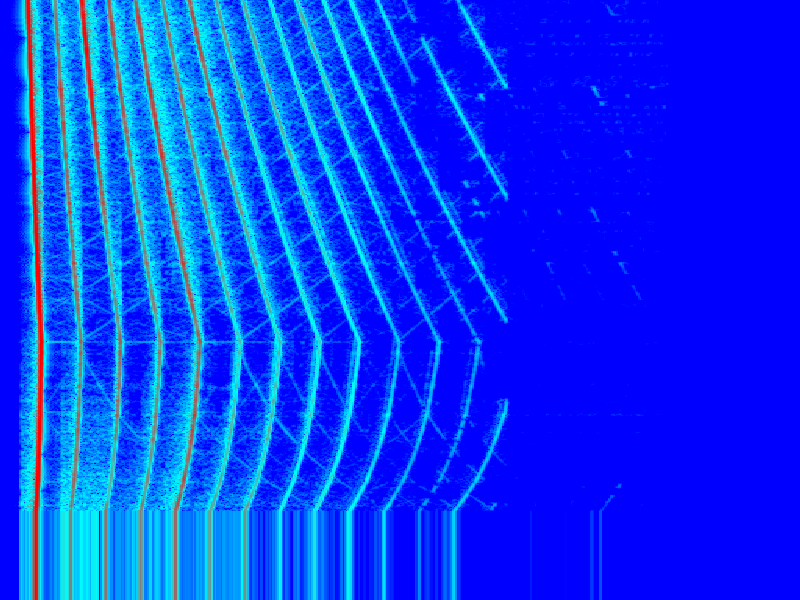
sgram_1762851204.png
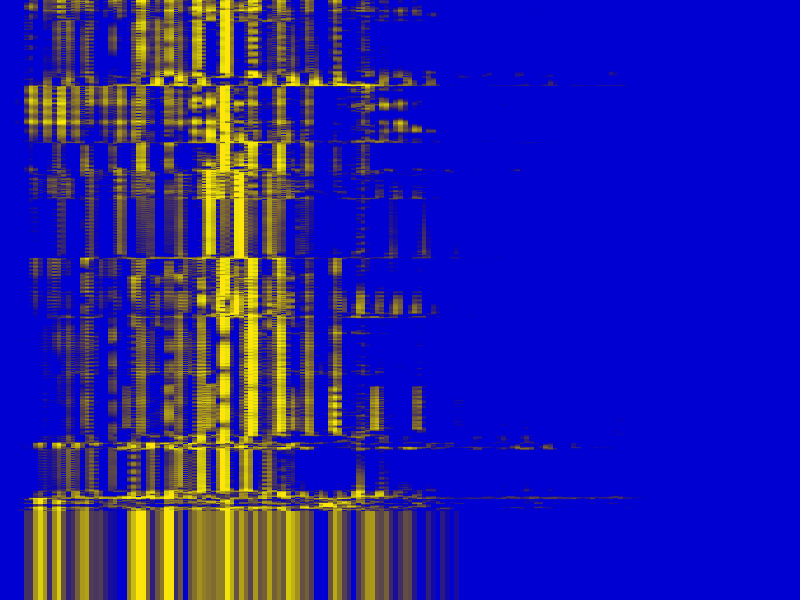
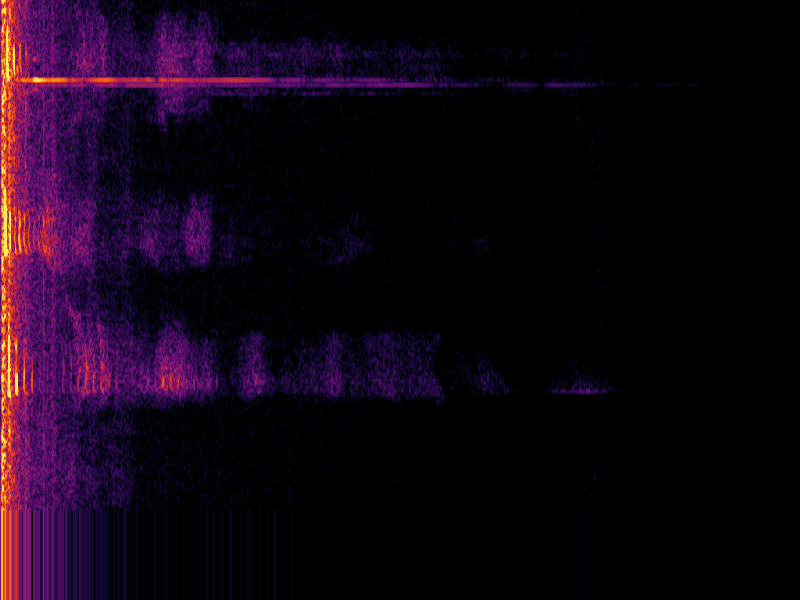
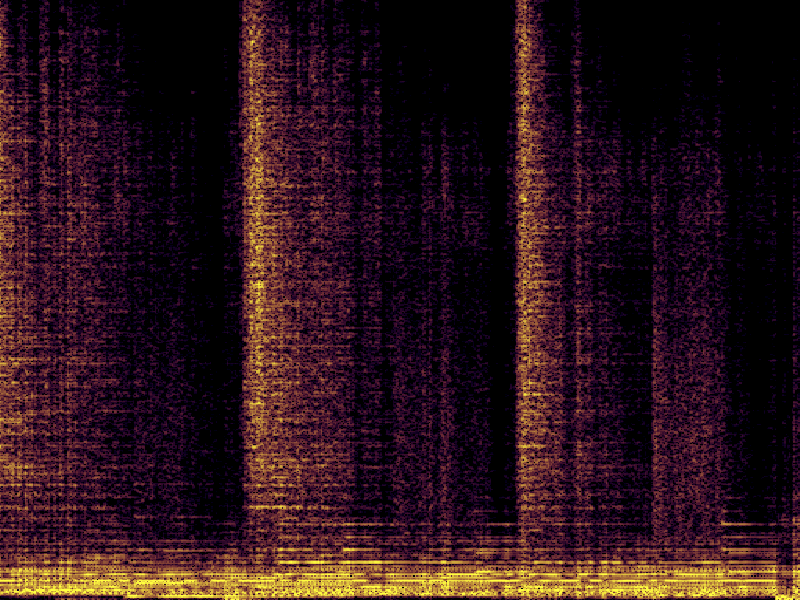
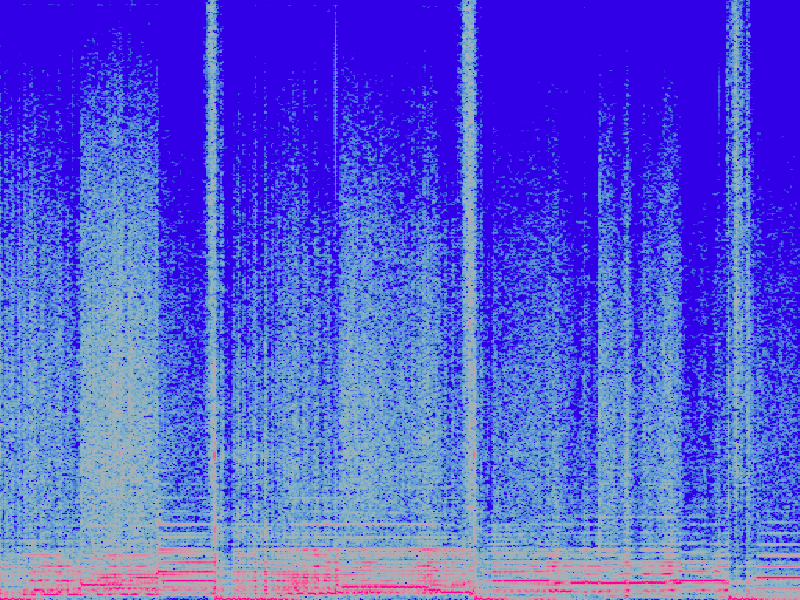
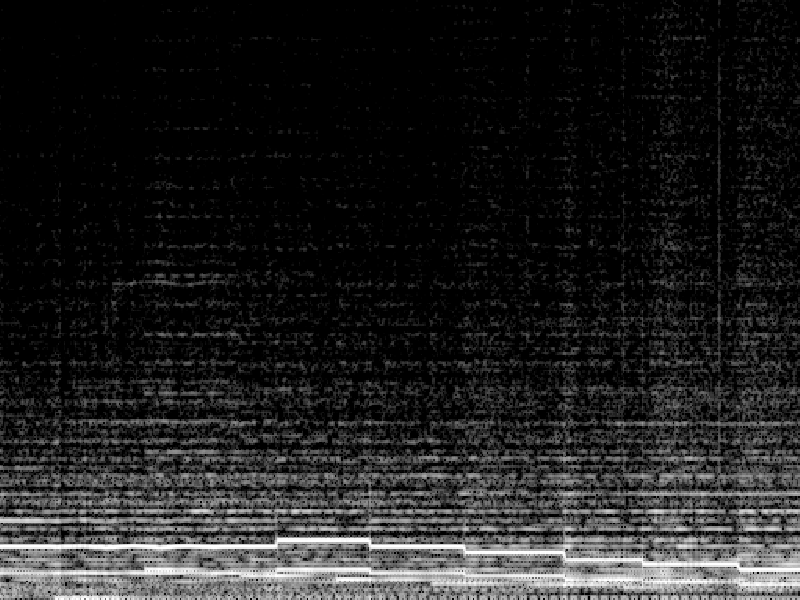
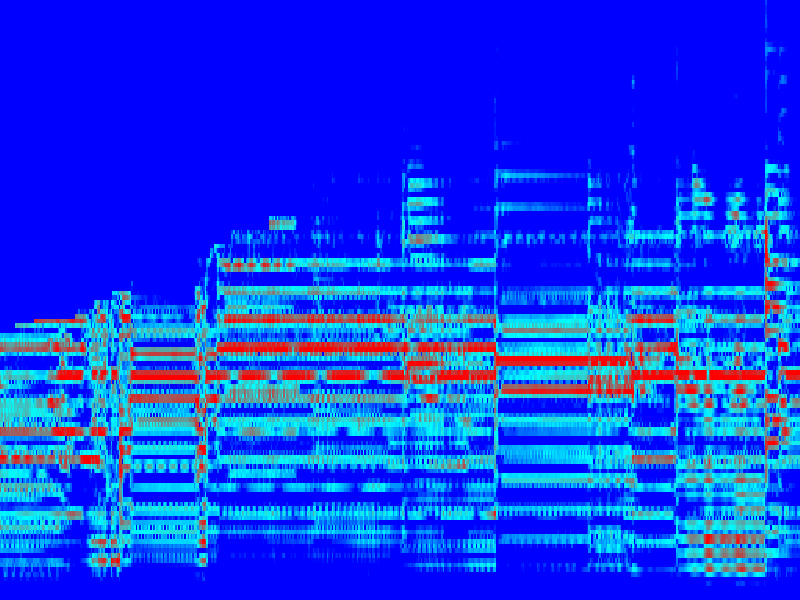
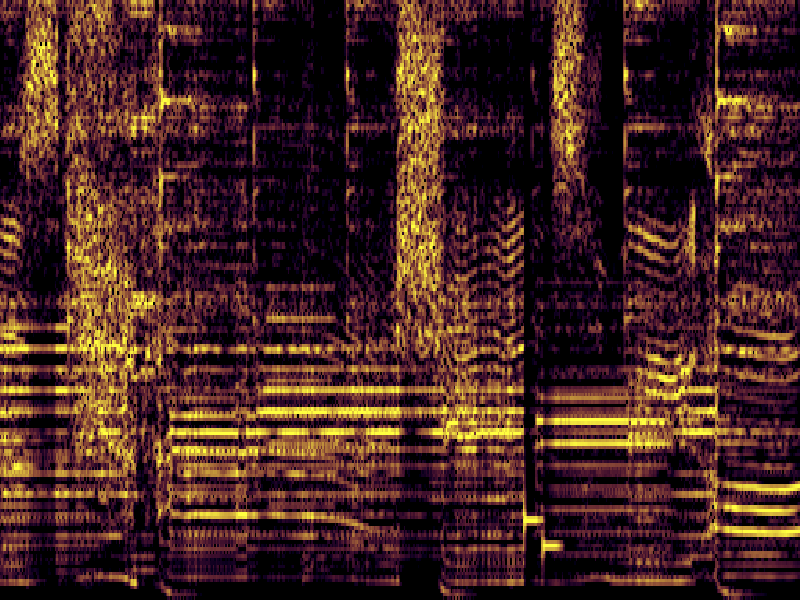
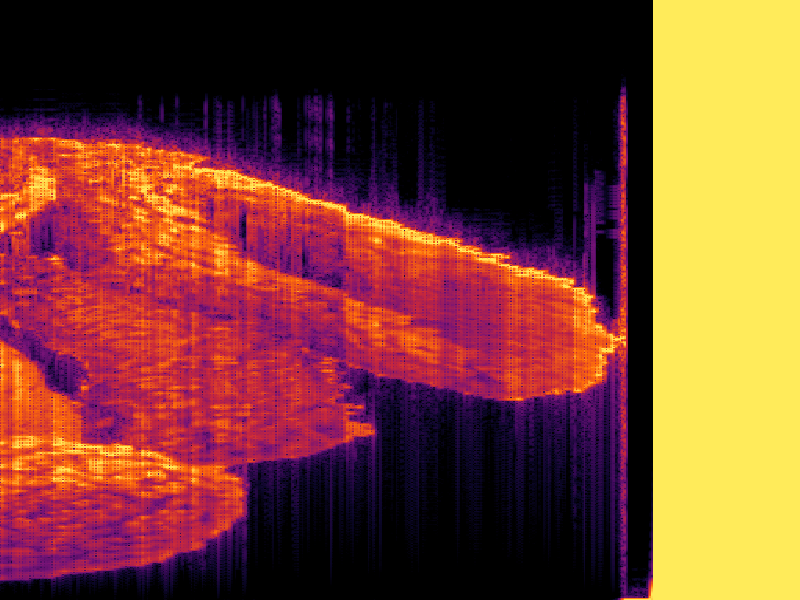
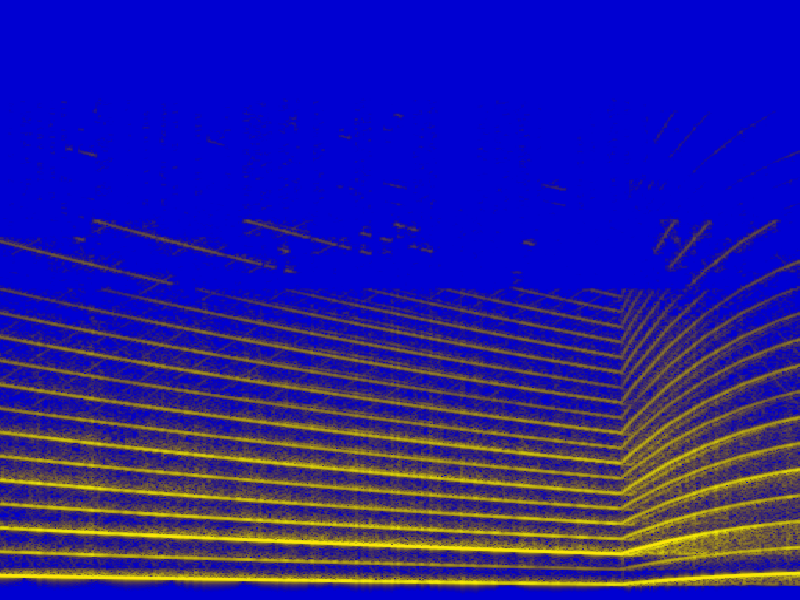
sgram_1762853901.png
Install Cargo (recommended)
cargo install --locked --path .   # from repo checkout
# or from local source
cargo build --release
./target/release/sgram-tui --help
Linux mic dependencies:
sudo apt-get install -y pkg-config libasound2-devOne‑liner installer (prefer Cargo for reproducibility):
bash -c "$(curl -fsSL https://raw.githubusercontent.com/arian-shamaei/sgram-tui/main/scripts/install.sh)"Quick Start # Live microphone (macOS example)
./target/release/sgram-tui mic --device "BlackHole 2ch" --fps 15 --pre-emphasis 0.97 --normalize
# WAV with real-time throttle
./target/release/sgram-tui wav ./song.wav --realtime --pre-emphasis 0.97 --normalize
# Dense view & half-cell render (waterfall)
./target/release/sgram-tui wav ./song.wav --resolution high --render half --style waterfall
Usage & Flags sgram-tui [mic|wav|FILE] [FILE] [flags]
--fft FFT size (bin spacing fs/N)
--win Window length; zero-pads to FFT if L < N
--hop Hop size
--sample-rate Target sample rate for processing
--alpha <1|2> dB type (1=magnitude, 2=power)
--floor / --ceil dB display range
--zoom Zoom into low frequencies
--palette grayscale | heat | jet | viridis | inferno | magma | plasma | purplefire
--style horizontal | waterfall
--render cell | half
--resolution low | medium | high | ultra
--freq-scale linear | log | mel
--png-path / --csv-path quick-save destinations
--device mic device match by substring
--overview fit entire history into pane (overview)
--realtime throttle WAV to approx. real time
Controls
Key Action q / Esc Quit p Pause/Resume a Toggle style + / - Zoom frequency range [ / ] Adjust dB floor c / C Cycle palettes f Fullscreen o Overview mode d Toggle details s / S Quick save / prompt PNG path w / W Quick save / prompt CSV path h / F1 Help overlay
Configuration Default config path: ${CONFIG_DIR}/io.github/arian-shamaei/sgram-tui/config.toml
Detailed = true
Fullscreen = false
Device = "USB Audio"   # substring match for mic device
png_path = "./out.png"  # quick save default
csv_path = "./out.csv"
Tip: Use smaller FFT and higher hop to reduce CPU; try --fft 1024 --hop 256 with --fps 15.
Export
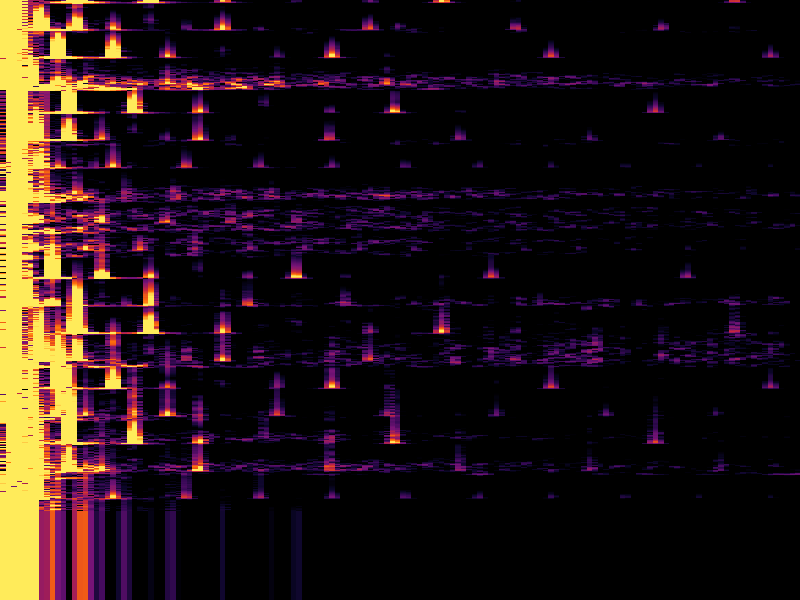
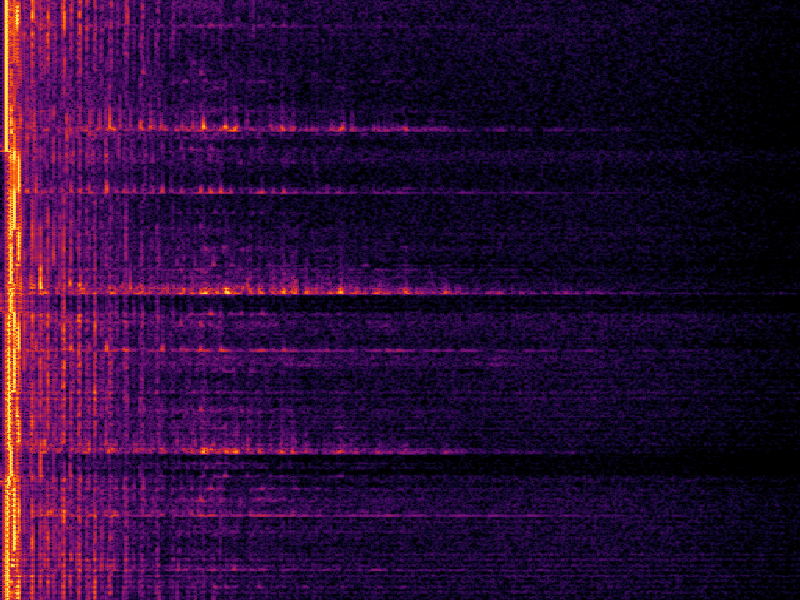
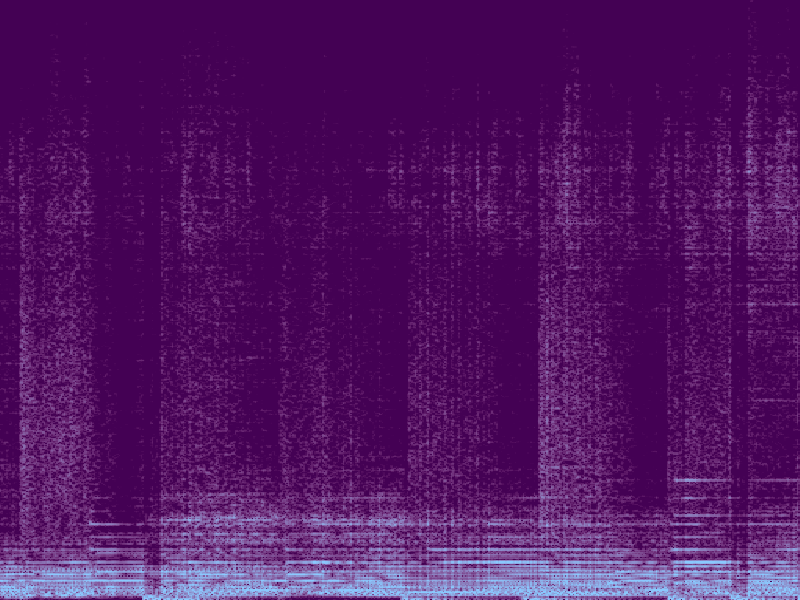
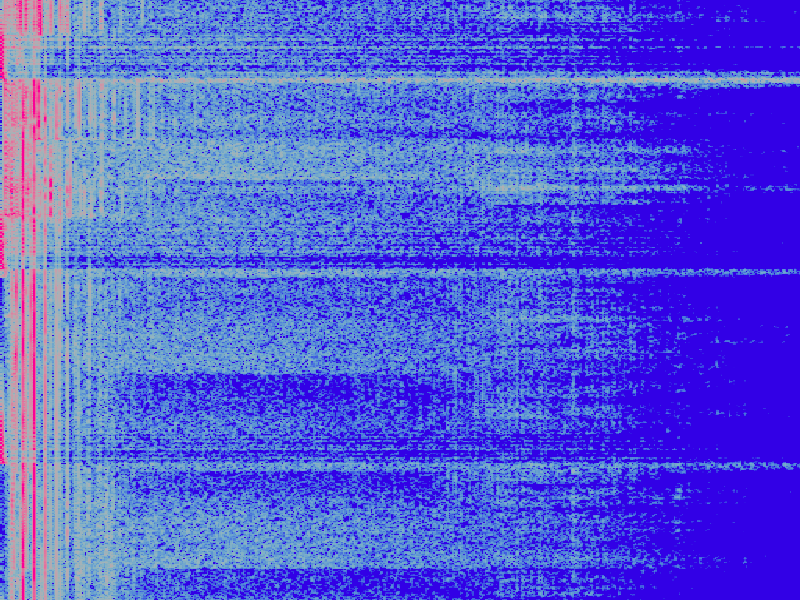
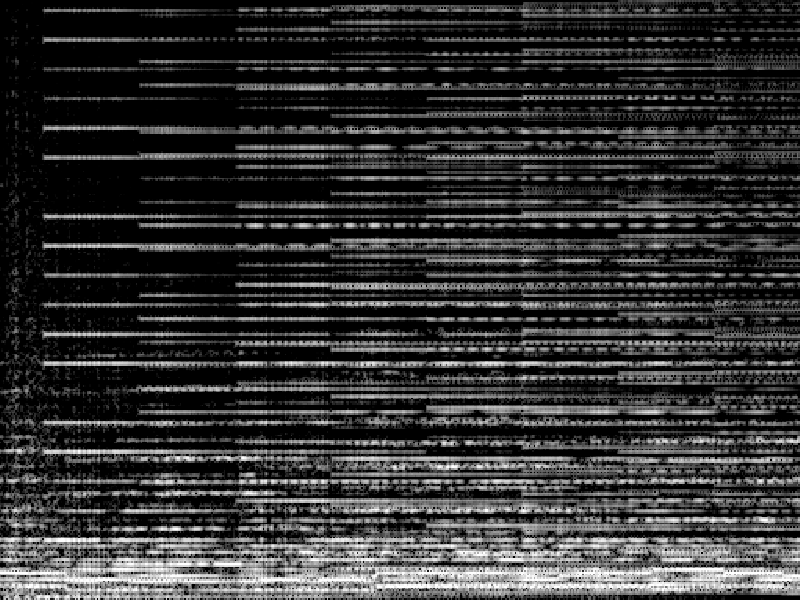
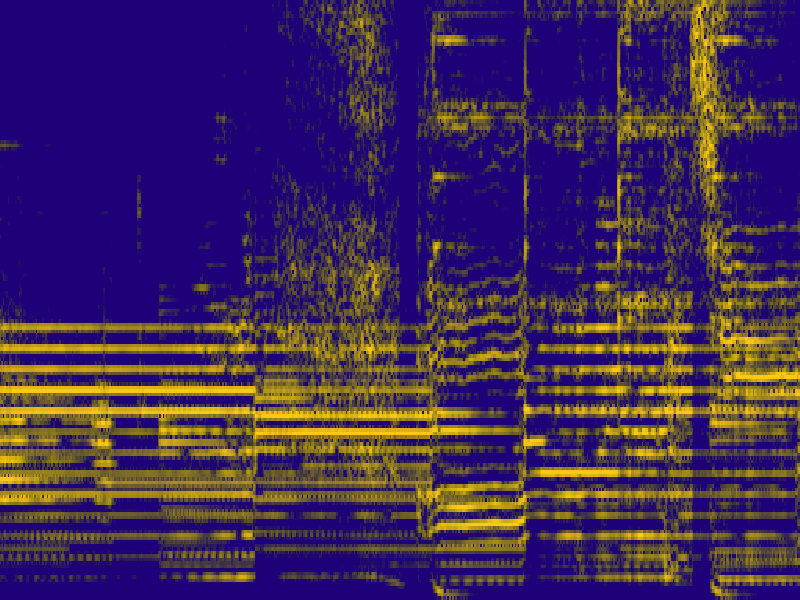
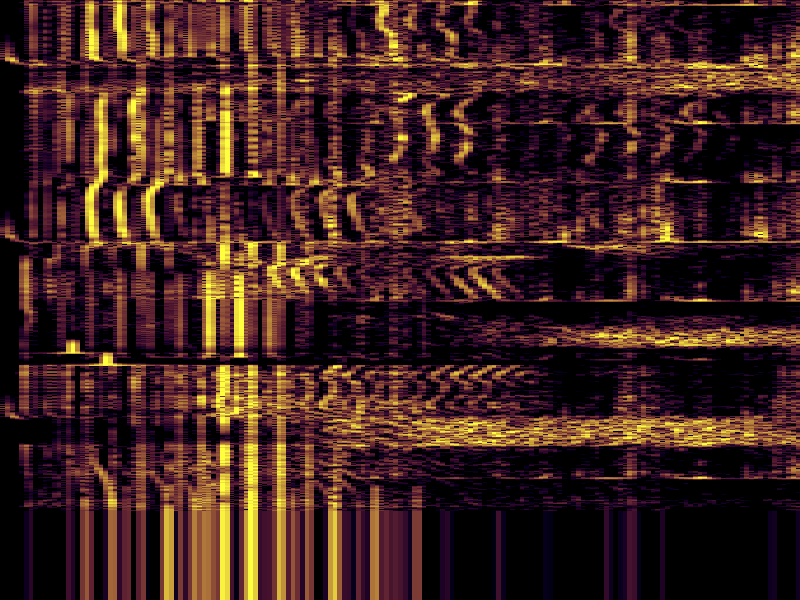
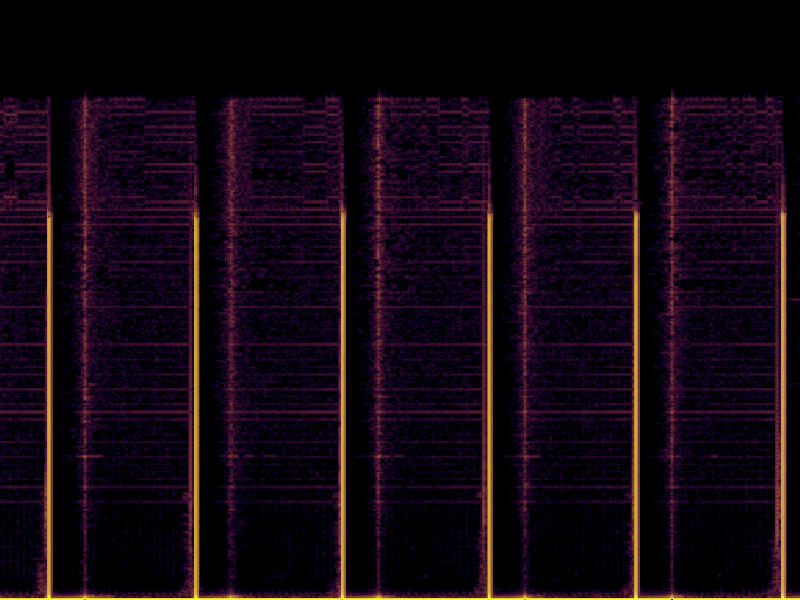
sgram_1766014547.png
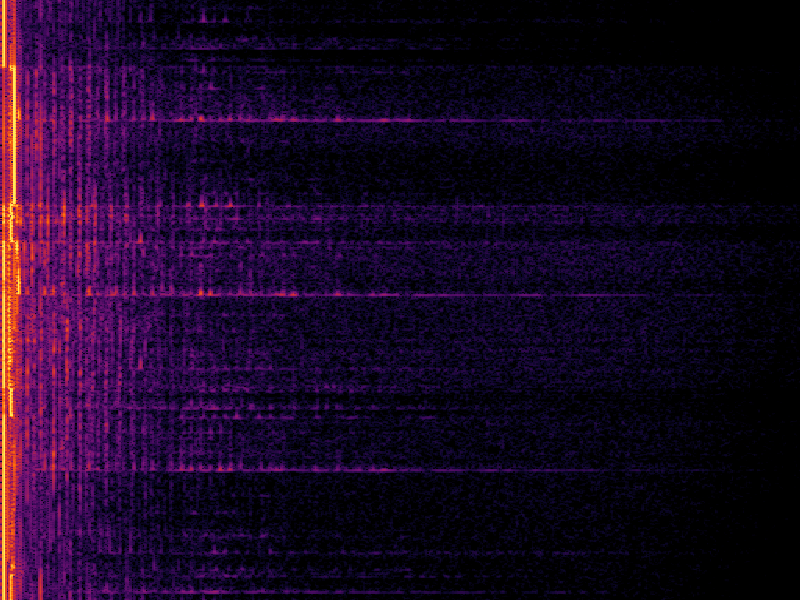
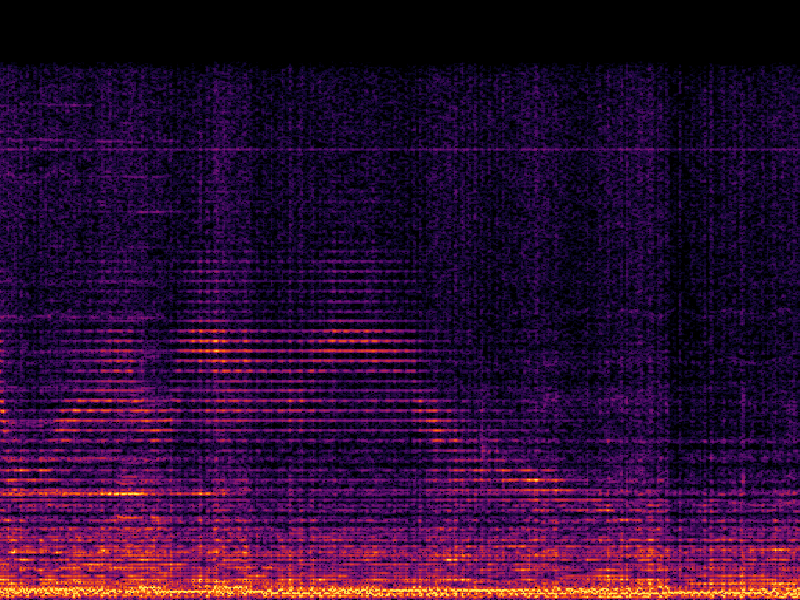
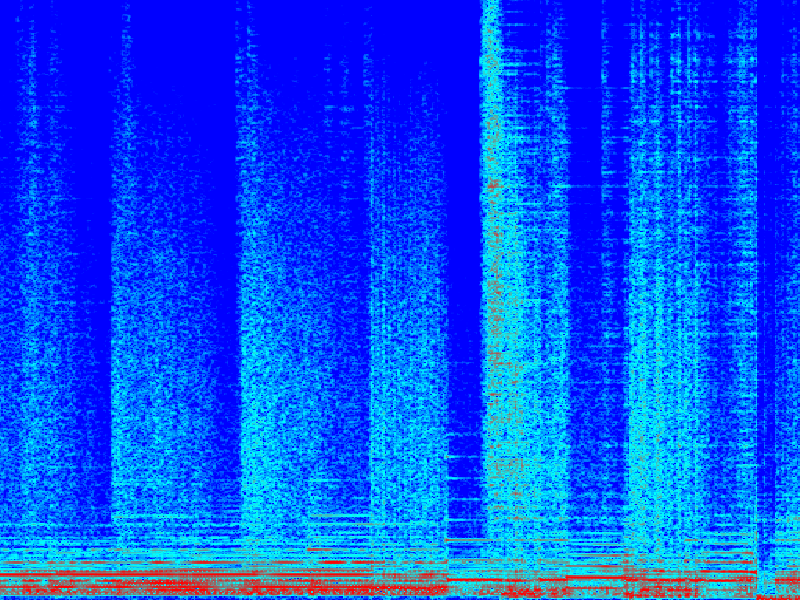
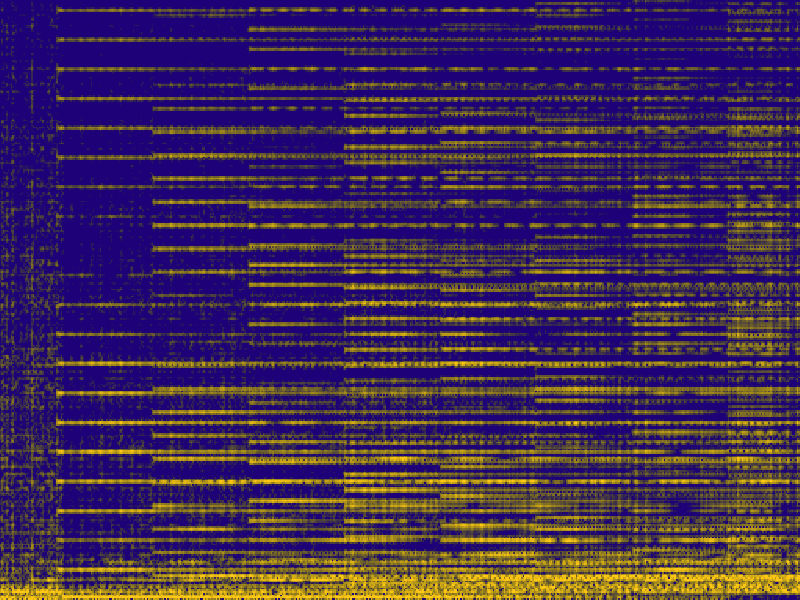
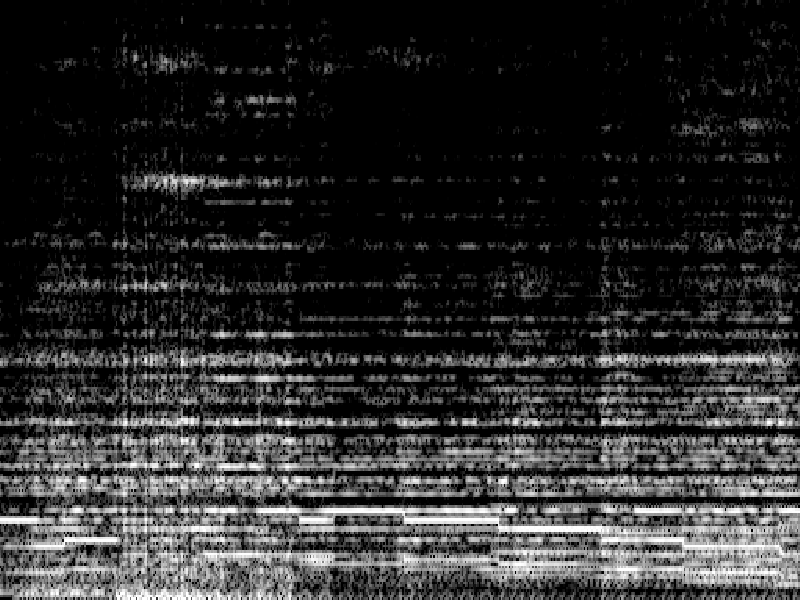
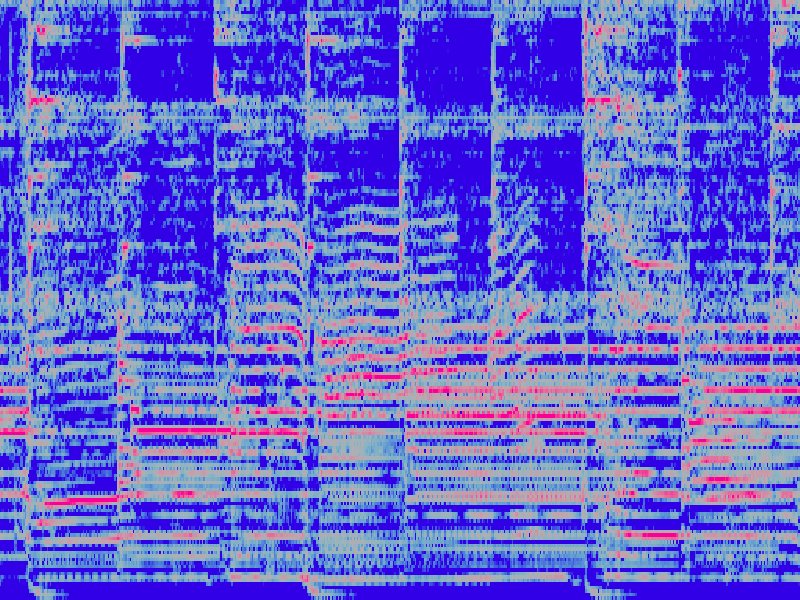
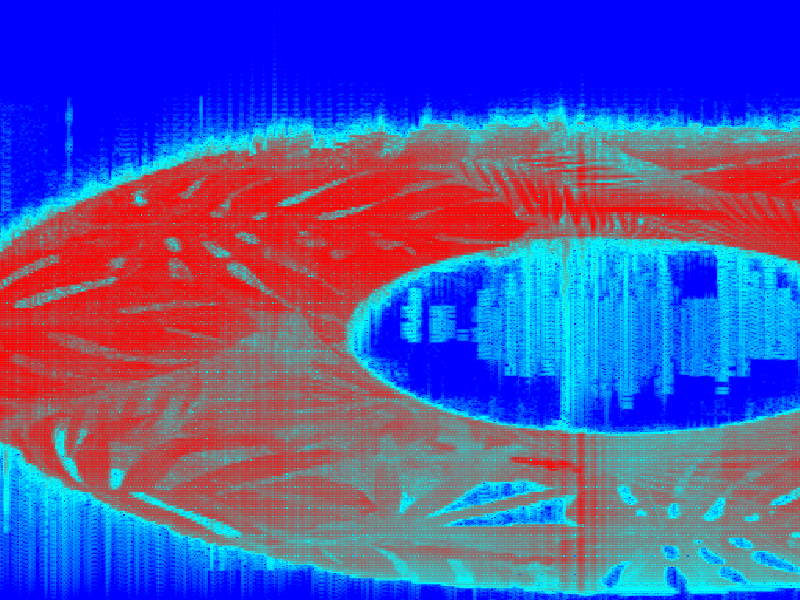
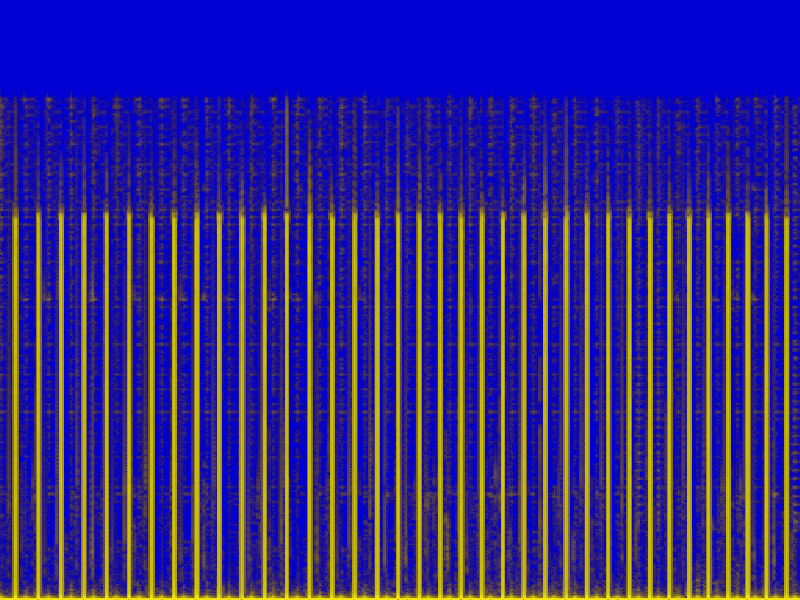
sgram_1766015161.png
Gallery
sgram_1762851204.png sgram_1762853901.png sgram_1766014547.png
sgram_1766015161.png sgram_1766015168.png sgram_1766015364.png
sgram_1766100795.png sgram_1766100805.png sgram_1766100807.png
sgram_1766100816.png sgram_1766100821.png sgram_1766100825.png
sgram_1766100832.png sgram_1766103544.png sgram_1766103555.png
sgram_1766103596.png sgram_1766103628.png sgram_1766103664.png
sgram_1766107677.png sgram_1766107689.png sgram_1766107697.png
sgram_1766107701.png sgram_1766107706.png sgram_1766107708.png
sgram_1766107711.png sgram_1766107712.png sgram_1766107782.png
sgram_1766107803.png sgram_1766107807.png sgram_1766107947.png
sgram_1766107961.png sgram_1766107987.png sgram_1766107993.png
sgram_1766107995.png sgram_1766108001.png
Demo Video
VIDEO
FAQ Why a TUI? It integrates into terminal‑first workflows and stays lightweight; PNG exports make sharing easy.
Does PNG match the screen? Yes. Exports are style‑aware, using the current view, palette, and scale.
Back to top • Visit the GitHub repo